

The scope of displayed information and modifiable items may vary depending on project-specific user policy settings.
Viewable Information
The following information can be viewed in the submission list: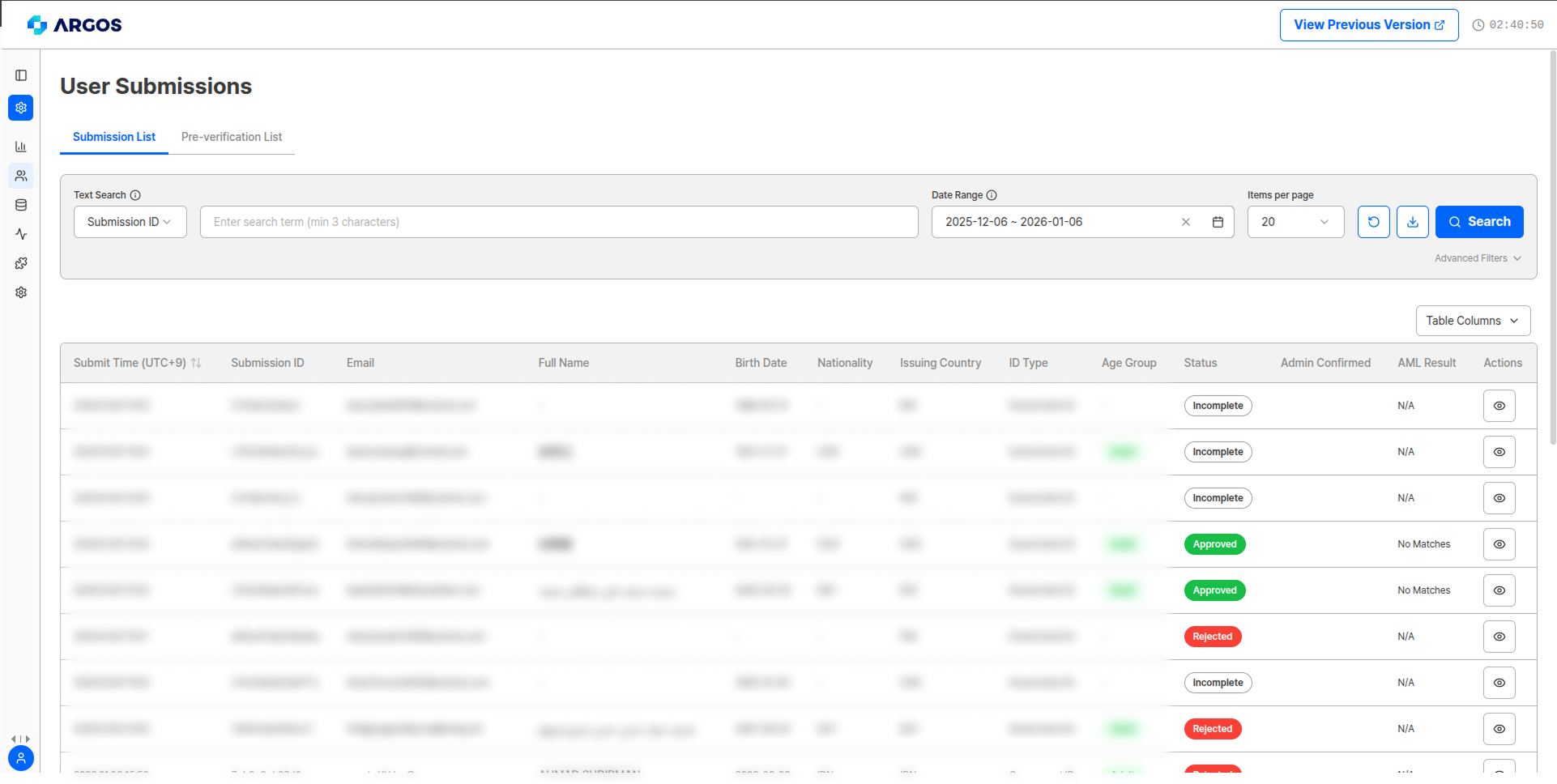
Search and Advanced Filter Functions

Selecting the text search criterion
Search Items
- Date Range Setting: Query submissions for a specific period
- Text Search: Pick one of the criteria below and search (minimum 1 character)
Custom field search — August 2026The
cf1 ~ cf3 search criteria have been added. The values searched here are the same Custom Field #1 ~ #3 values shown in the Metadata section of the submission detail view — the values passed when the LiveForm was created, or edited later from the dashboard.Search minimum length — change historyReduced from 3 characters to 2 characters (April 2026), then to 1 character (August 2026). Environments using single-character
userId values or short custom field values can now search successfully.Advanced Filter Items
- Query by Issuing Country: Filter submissions from specific issuing countries
- Query by Nationality: Filter submissions from specific countries
- Filter by Status: Filter by approved/rejected/pending/incomplete status
- Query by ID Type: Filter submissions by specific ID type
- Filter by Data Type: Query only relevant data using OR or AND for each data type
Submission Detail View
Click the Detail View (eye icon) button on the right of each submission to view and modify all recorded information.Information fields collected may vary depending on authentication options set for each project.
Top Information and Management Functions in Submission Detail View

Delete Submission
Send Webhook
Pre-verification List
In the top area of the submission detail view, you can check pre-verification results linked to the submission through the Pre-verification List dropdown. Clicking the dropdown displays categories (Device Verification, VPN & Proxy) and Validation IDs. Clicking an entry navigates to the corresponding detail page.
Pre-verification List dropdown
Deletion history itself can be viewed on the Event Log page.
eKYC Results
- Approved
- Rejected
- Pending
- Incomplete
When all authentication documents and selfie have been authenticated normally
AML Results
AML Screening Result Codes: For detailed information about AML result codes, risk levels, and icons, refer to the AML Database Sources and Codes documentation.
Other Information Fields
Age Group
Age Group
Classified as adult/adolescent/early teens/minor. Not displayed in incomplete status.
ARGOS SCORE
ARGOS SCORE
Reliability score of the authentication result calculated by analyzing the user’s submission information.
Duplicate Identity Information
Duplicate Identity Information
Displays other submissions within the same project that match the submitter’s information.
Duplicate Face
Duplicate Face
Displays other submissions within the same project that match the submitter’s face information.
Pre-verification List
Pre-verification List
View Proxy & VPN detection and Device Verification results on the Pre-verification List page.
User Information
You can view information at the time the submitter executed the submission:
DI Value Generation ConditionsDI value is generated only when name, date of birth, gender, nationality, etc. are all provided. If a submitter’s identity has been verified through ARGOS Identity service, the existing DI value is maintained even when authenticated in a different project.
English Name (
fullNameEn) — 2026-04After KYC approval, you can view the submitter’s English Full Name (fullNameEn) in the submission details, and administrators can also edit it. The name is processed through transliteration and not translation (e.g., KIM SAN instead of Kim Mountain). First Name / Last Name translations are not provided, and this field is not exposed during the Liveform stage.Metadata

Custom Field #1 ~ #3 values can be selected as a search criterion in Text Search at the top of the submission list.
Memo Function

ID Information
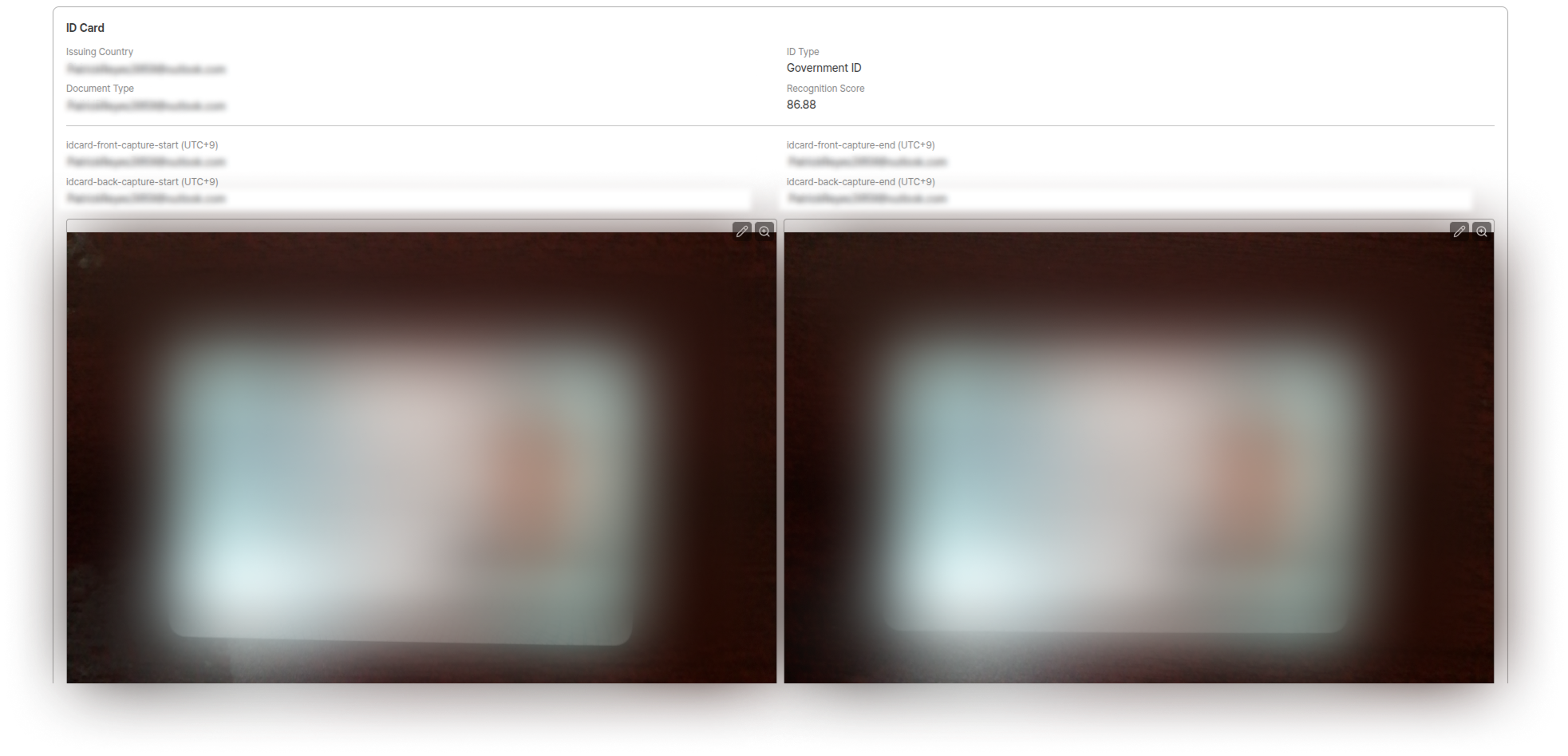
Image Editing Functions:
- 🔍 Zoom: Zoom in/out
- 🔄 Edit: Rotate, flip left/right, reset to original
- ✂️ Image Crop: Auto-enlarge ID center
- 🖌️ Masking: Direct masking when needed
Submission Information

OCR recognition confidence per field is displayed as a percentage (%) in the OCR Extraction, OCR Data, and Final Data sections. For field definitions and possible values, see the Signals Object and Confidence section in GET/Submission Response Fields.
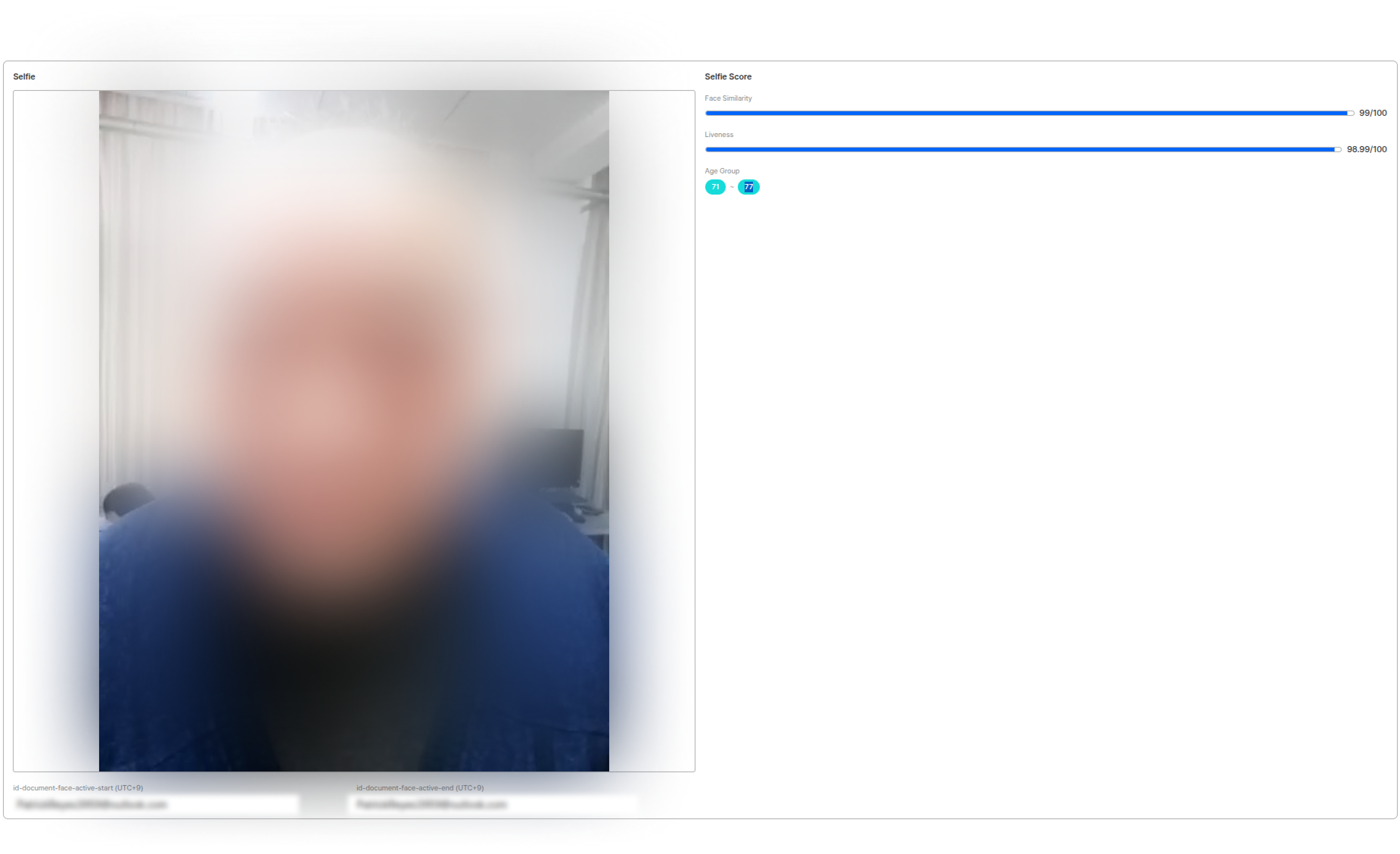
Selfie Information
Address Information
Displays Geo-Location information based on IP address at time of submission.Address information is only displayed when related functions are activated.
User Data Download

API Call Limits
The per-second (QPS) figure is currently being recalculated. For the full quota policy, see API Rate Limits.