

AML Function Overview
The AML (Anti Money Laundering) function is anti-money laundering monitoring that can reference cases where the person collected from the submission is an actual person of concern or risk based on name, date of birth, nationality, etc.Use Cases
Risk Person Check for New Account Opening
Risk Person Check for New Account Opening
Banks or financial institutions can check whether a new customer is included in sanctions lists or risk person lists through AML checks before approving account opening. This helps comply with anti-money laundering regulations and minimize financial institution risks.
Real-time Monitoring for Large Transactions and Remittances
Real-time Monitoring for Large Transactions and Remittances
For high-risk financial transactions such as large transactions or overseas remittances, you can check in real-time whether the transaction party is a risk person using the AML function. If the set threshold is exceeded, you can immediately stop the transaction and proceed with additional review.
Regular Customer Re-screening
Regular Customer Re-screening
You can identify customers classified as new sanctions targets or risk persons through regular AML re-screening of existing customers. Using the full date of birth match option minimizes false positives due to same names while enabling accurate monitoring.
AML Report Query
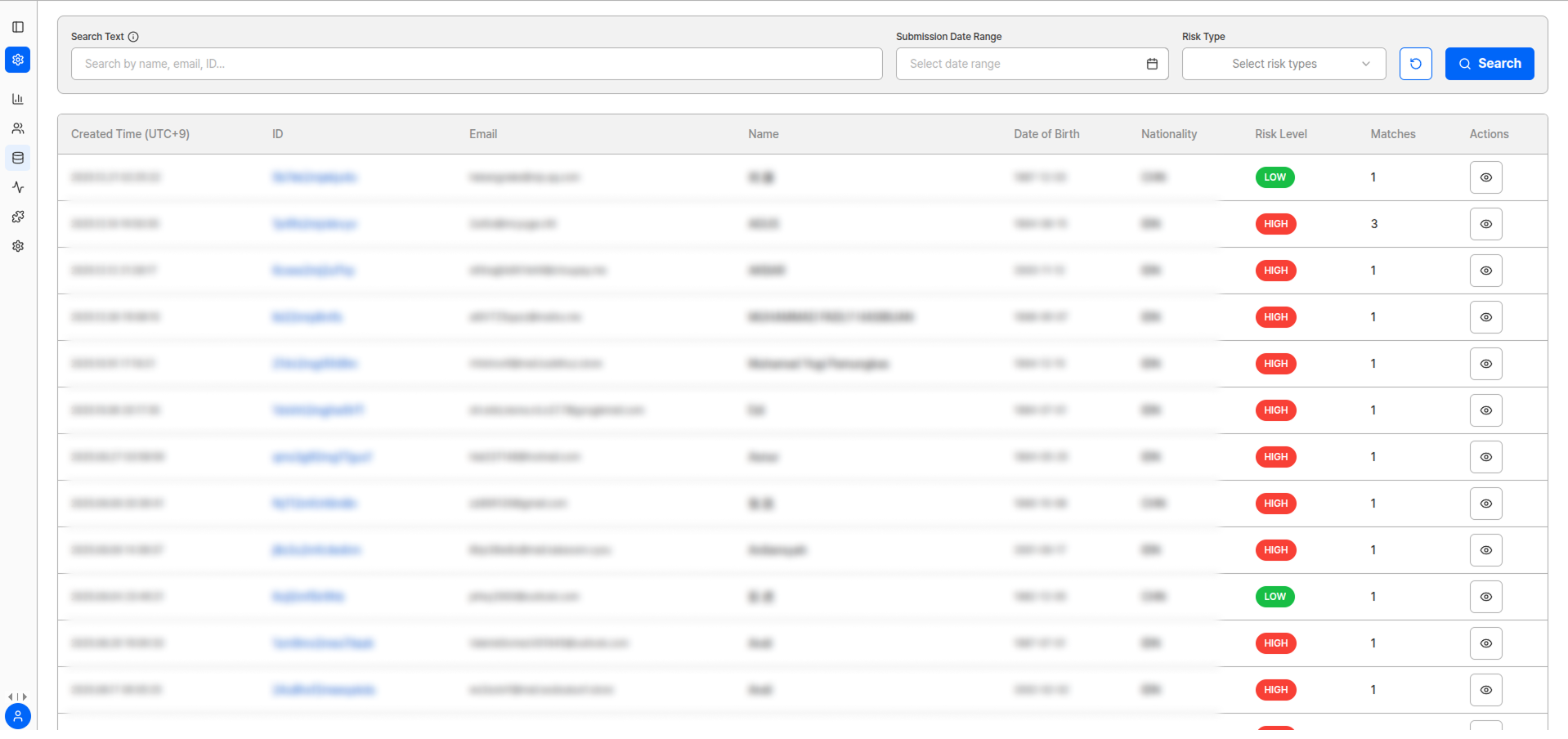
AML Report List
Viewable Information
The following information can be viewed in the AML report list:AML Result Detail View
To view AML results searched based on the submitter’s personal information, click the left arrow of the submission to view information about persons that should be referenced according to AML criteria.Match Total InterpretationThe higher the match total number, the more persons overlap with the person’s name, date of birth, nationality information, etc.
Detailed Report Download
To view information about the actually presented person, click the blue ‘Report’ button to download detailed information.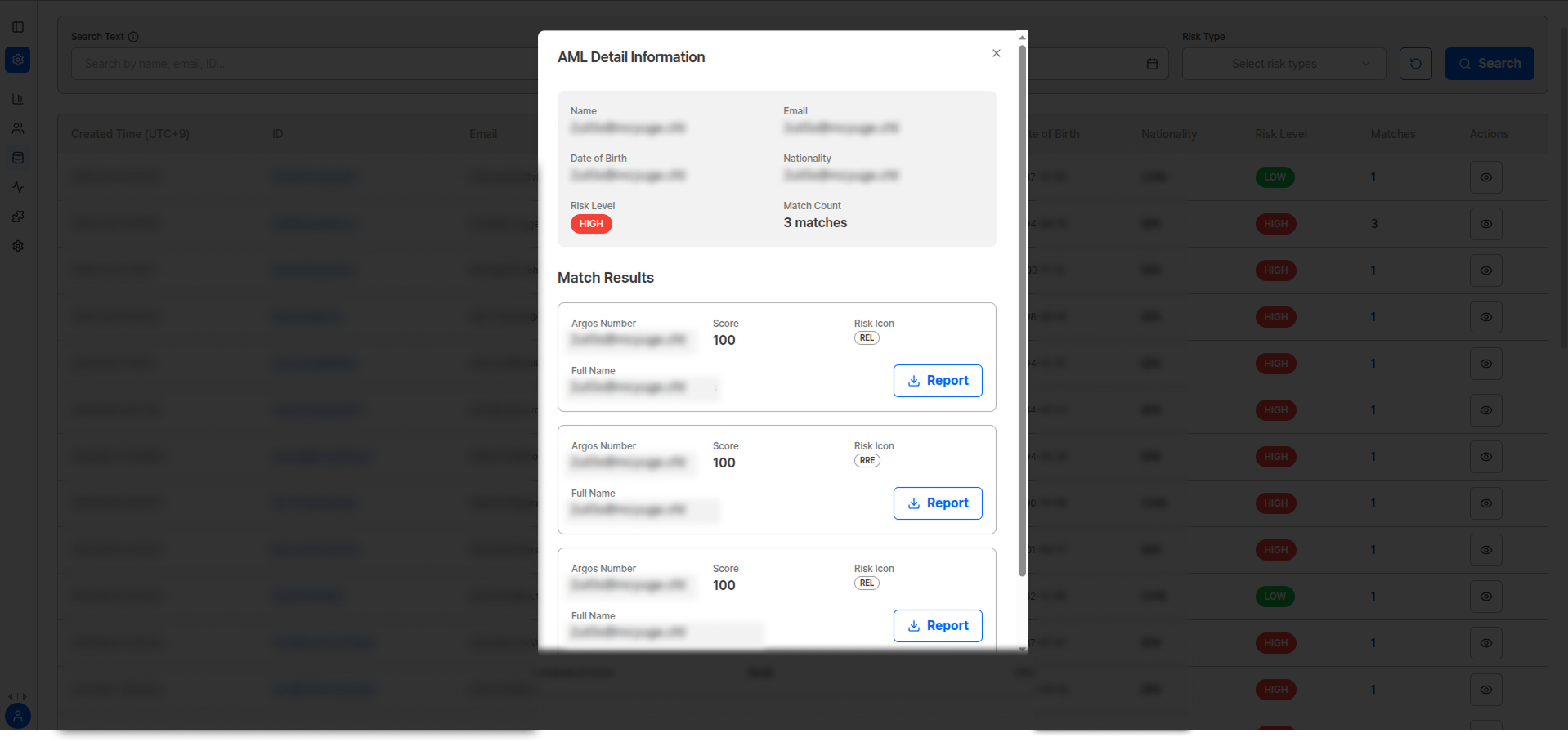
AML Report Detail Query
AML Risk Level Classification
AML Function Settings
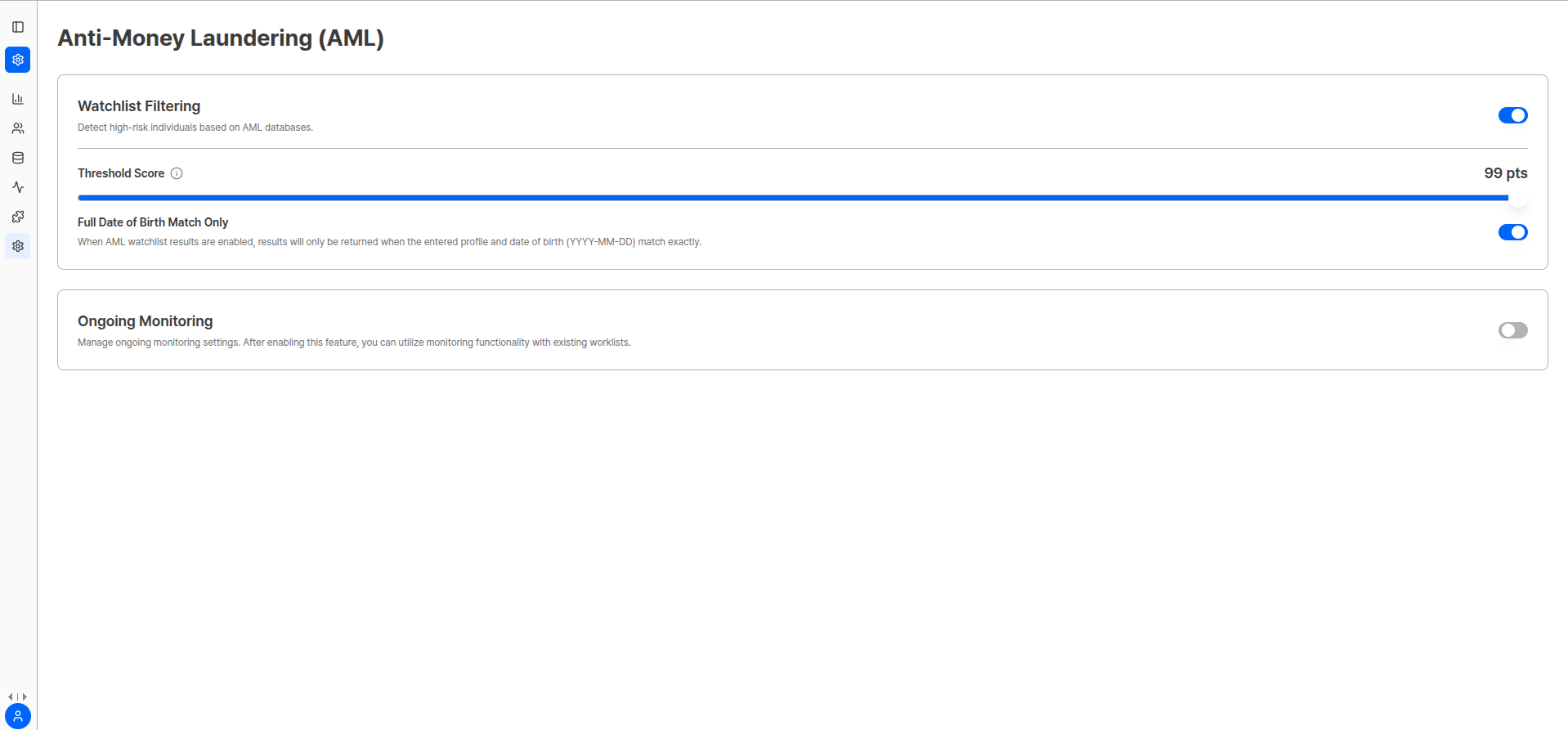
AML Function Settings Screen
Watch list filtering
You can perform AML Watch list filtering for users who have completed eKYC.1
Activate AML Function
To use the AML function, you must first activate AML in the dashboard.
2
Set AML Check Policy
Set risk level threshold and date of birth match options.
3
Execute AML Check
After settings are complete, AML checks are automatically executed during the ID check authentication process.
4
View AML Check Results
View AML check results on the submission query page.
Settings Options
Use AML check results as reference and make final judgments according to relevant regulations and internal policies.