

Feature Applicability by Authentication Method
- 🪪 ID document: ID document capture-based
- 💡 Knowledge-based: User-entered information-based
Use Cases
Automated KYC System for Financial Institutions
Automated KYC System for Financial Institutions
Banks can optimize auto-processing rates by adjusting ARGOS score thresholds and provide 24/7 unmanned KYC services by enabling the automatic processing only option. Strictly manage 1-person-1-account policies by setting duplicate approval prevention periods, and accept only reliable IDs with ID recognition guarantee mode.
Region-specific Customized Operations for Global Services
Region-specific Customized Operations for Global Services
Platforms providing international services can manage service restrictions in specific regions through blacklist country settings and enhance user convenience with universal ID support. Custom DI can be used to collect unique identification information for each region and use it for duplicate user detection.
Compliance Management for Age-restricted Services
Compliance Management for Age-restricted Services
Alcohol or adult content services can comply with legal requirements through age restriction features and meet privacy regulations with partial data deletion options.
🪪 ARGOS Score Threshold
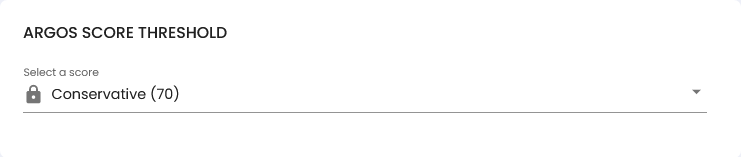
💡🪪 Custom DI (Duplicate Information)
Custom DI can be used when you want to receive additional values from users that match your business needs, beyond the default information values collected through ARGOS eKYC. This enables collection and storage of custom data fields for each business’s unique requirements, increasing flexibility and user experience of the ARGOS eKYC process.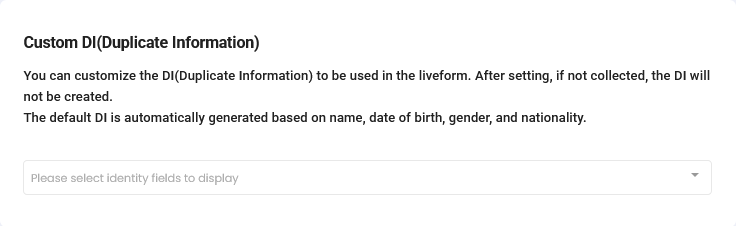
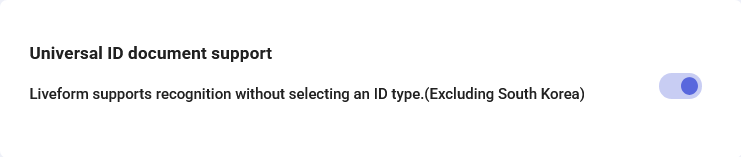
🪪 Universal ID Support
When activated, users no longer need to select their ID type. ARGOS automatically recognizes all supported ID types except South Korea. Since only the front and back of the ID need to be captured, instances of users selecting the wrong ID type are greatly reduced.If you want only specific ID types to be valid for identity verification, please contact customer support. Currently, only ARGOS administrators can configure this per project.
🪪 Automatic Processing Only
When activated, the project operates with 100% automatic processing only. Cases requiring manual review (Pending) are all rejected, and users must resubmit eKYC to achieve automatic approval.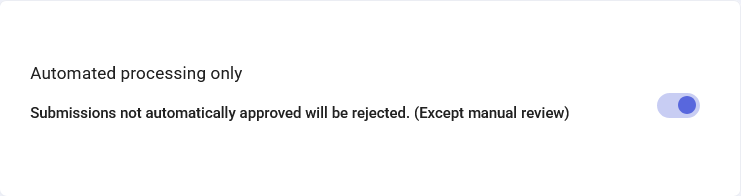
🪪 Reviewer Settings
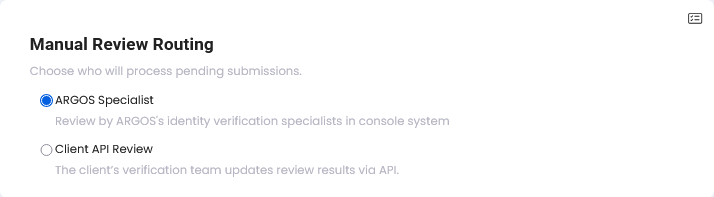
When Pending cases occur (‘Automatic Processing Only’ feature must be disabled), determine who reviews Pending cases.| Option | Description |
|---|---|
| ARGOS Review Experts | ARGOS experts conduct the review. |
| Customer API Review | You can directly review through a specific API. |
💡🪪 Auto-translate Submission Name to English
Automatically changes and stores text from submitted IDs to English. OCR result values can also be collected and stored as fields, and may affect ARGOS Score.
🪪 ID Recognition Guarantee Mode
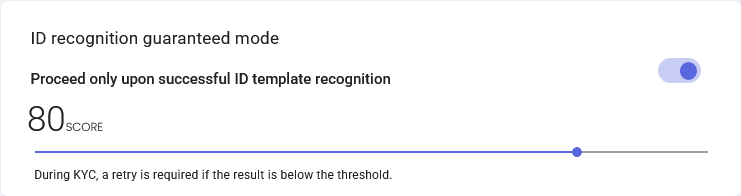
When this feature is activated, eKYC can only be submitted with IDs that the OCR AI can recognize. When unrecognizable IDs are submitted, users must recapture with a different ID.| Setting | Description |
|---|---|
| ID Recognition Score | Administrators can directly adjust the confidence score for ID authentication. Retry occurs when confidence is lower than the set threshold. |
When ID recognition score is 80 points or above and all fields recognized during ID capture have normal values, the ID capture result confirmation page is skipped in the user view.
💡🪪 Duplicate User Detection
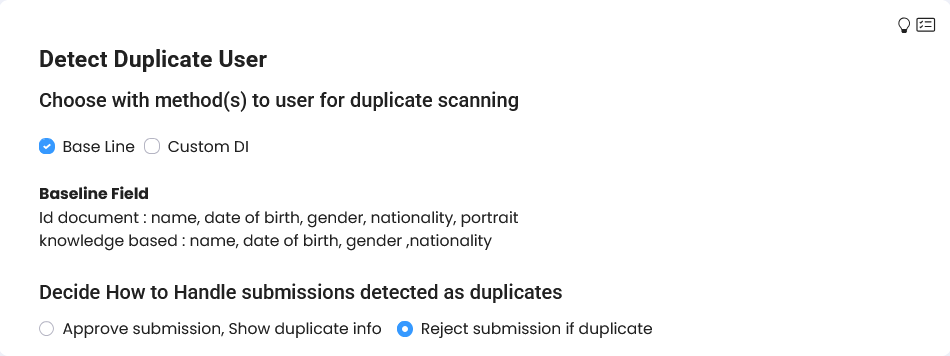
Detects and separately processes eKYC information submitted by users who have previously approved information within this project. Default fields check for duplicate information by pipeline:| Pipeline | Criteria Fields |
|---|---|
| 🪪 ID document | Based on name, date of birth, gender, nationality, facial photo |
| 💡 Knowledge-based | Name, date of birth, gender, nationality |
- Approve submissions detected as duplicates but display duplicate information
- Reject submissions if duplicate
💡🪪 Age Restriction
Age restrictions can be set. Suitable when you want to restrict identity verification for users under a certain age.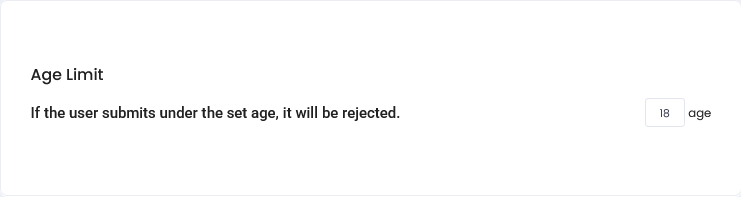
💡🪪 Blacklist Countries
Set Blacklist Countries based on ID issuing country. Use this option when identity verification restrictions for users from specific countries are needed. Multiple countries can be selected.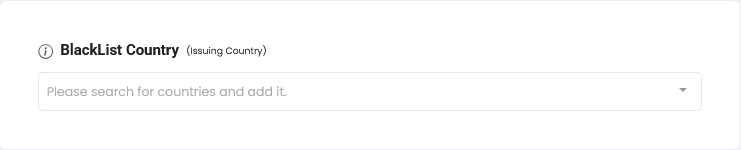
💡🪪 Partial Data Deletion
When activated, identifiable personal information is deleted, maintaining only non-identifiable data such as YYYY/MM format date of birth, gender, age group, and nationality. Applied when submitted Submissions are deleted.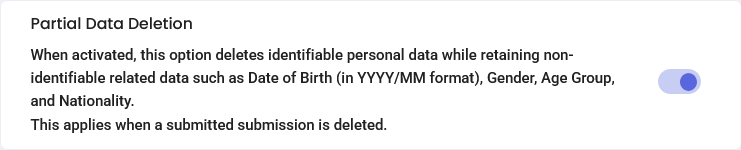
💡🪪 Submission Rate Limiting
This feature allows you to prevent submission actions based on specific conditions within a set time period. By preventing submissions exceeding a set count based on email, user ID, or IP, you can block indiscriminate excessive submissions and prevent continuous submission attempts by fraudulent users.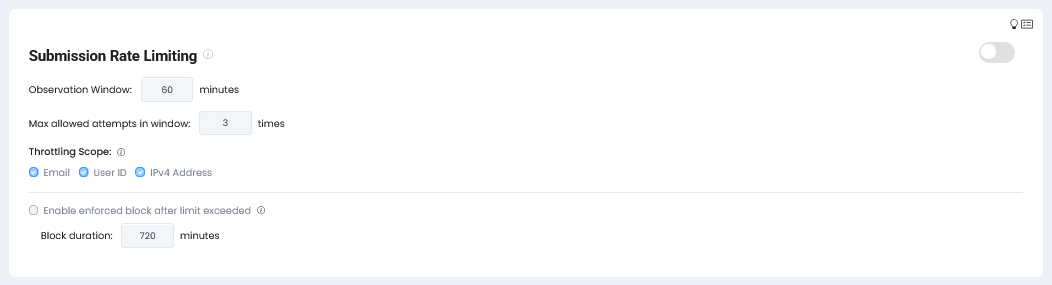
🪪 Regional Pre-screening
Regional regulatory algorithms for blocking fraudulent users can be set. Detailed algorithms can be viewed in the dashboard and are not publicly disclosed due to security policies.
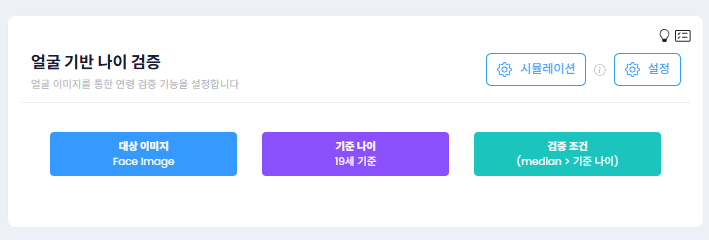
💡🪪 Face-based Age Verification
More enhanced authentication processes can be implemented using age information (Low, High) measured from ID portraits or facial captures.| Setting | Description |
|---|---|
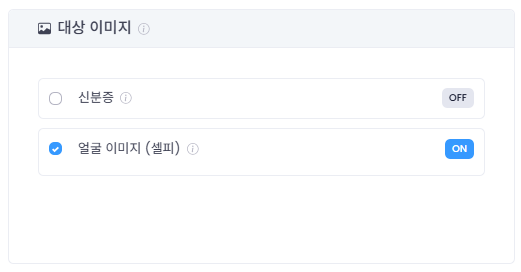
| Target Image | Determines the image to measure age information. ID portrait or facial image can be selected. |
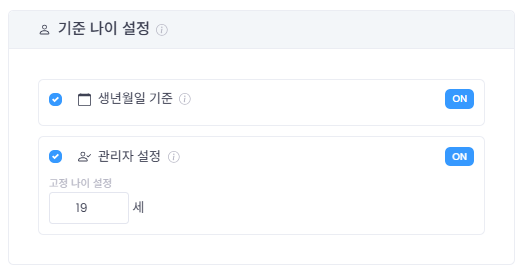
| Reference Age Setting | Sets reference age based on date of birth or administrator setting. |
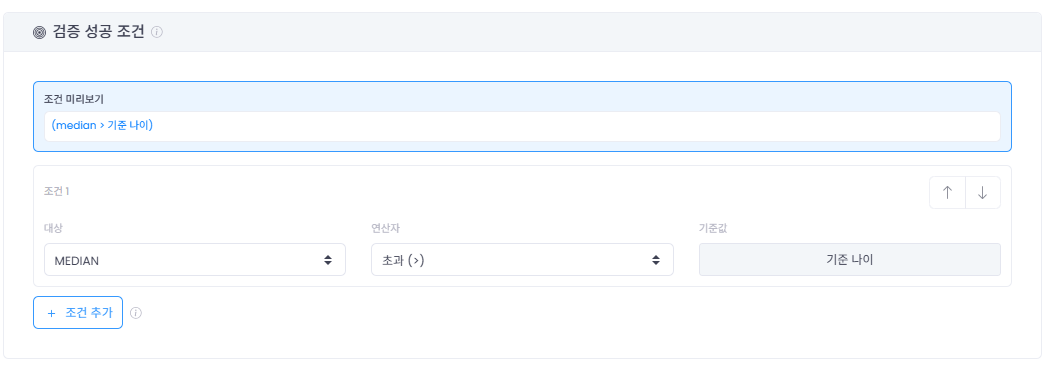
| Verification Success Conditions | Up to 3 conditions can be combined using Low, Median, High. |
🪪 Duplicate Approval Prevention Period
Rejects eKYC submission when approval history is confirmed based on items set in Sub-Option. If your policy is 1 person = 1 ‘approved’ account, you must set this feature.When Identity info and Identity number are set, users submitting identical information will be rejected.

🪪 Duplicate Rejection Prevention Period
Rejects eKYC submission when rejection history is confirmed based on items set in Sub-Option.