

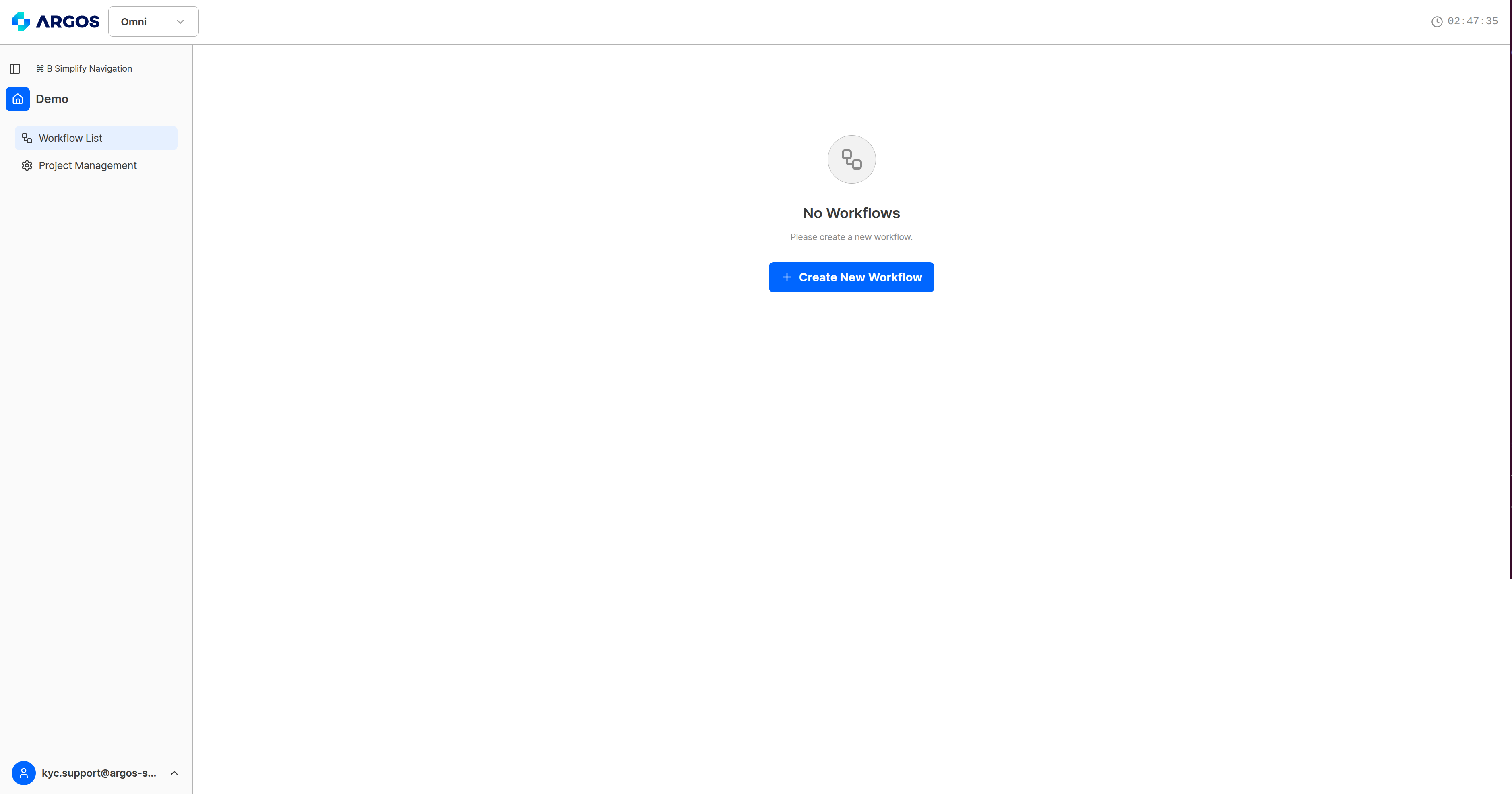
A project with no workflows yet — start with Create New Workflow.
Step 1 — Basic information
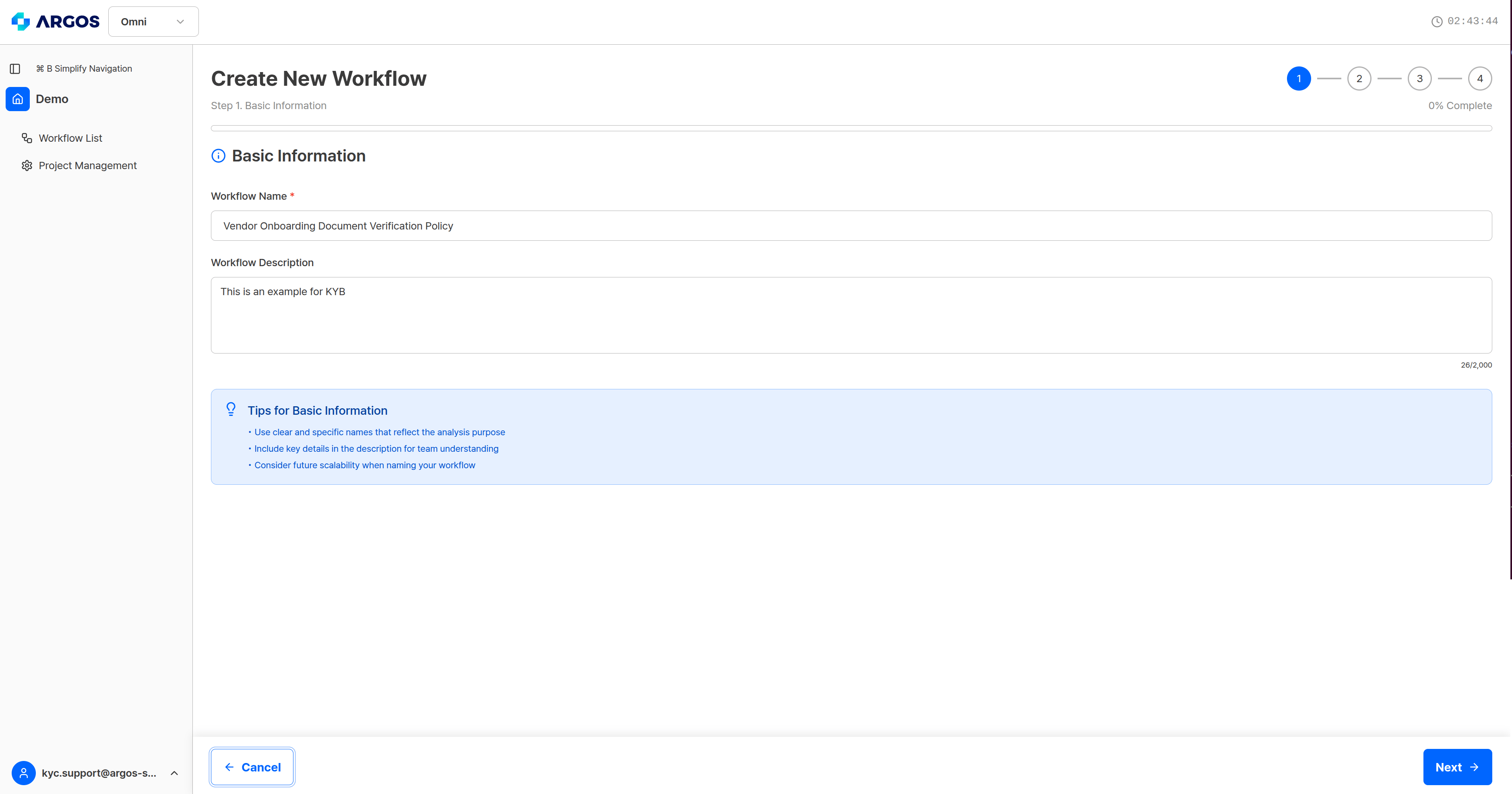
Step 1 — enter the workflow name and description.
Name it so the document type and the verification purpose are visible. Once a project holds up to 10 workflows, a vague name is hard to tell apart in the list.
Step 2 — Policy definition
Write, in plain language, what you verify and against which criteria. Omni reads this text, builds a playbook (the execution plan) from it, and assigns the engines each action needs. You must provide either policy text or a policy document.
Step 2 — entering the policy text. Attaching a document is optional.
What the policy must contain
One policy clause generally becomes one playbook action. Vague clauses produce vague actions.
Attaching policy documents
You can upload the source regulation or an internal standard that the policy needs to refer to.
Drag files in, or use the file picker. Beyond 5, the extras are not added and a notice appears.
What happens when you save
When you finish step 4 and create the workflow, the playbook is generated from the policy text. This takes 2–3 minutes, and the screen stays in its generating state throughout. When it finishes, you get the action list and, per action, the reference notes — the sentences from the original policy that action is grounded in. See creation complete and workflow detail.Related pages
- Policy writing guide — how to write a policy that produces a stable verdict
- Creating a workflow — the full walkthrough, including the policy text
- AI model and engines — step 3
- Output schema — step 4