

https://omni.argosidentity.com
Screen hierarchy
The data structure is the screen hierarchy.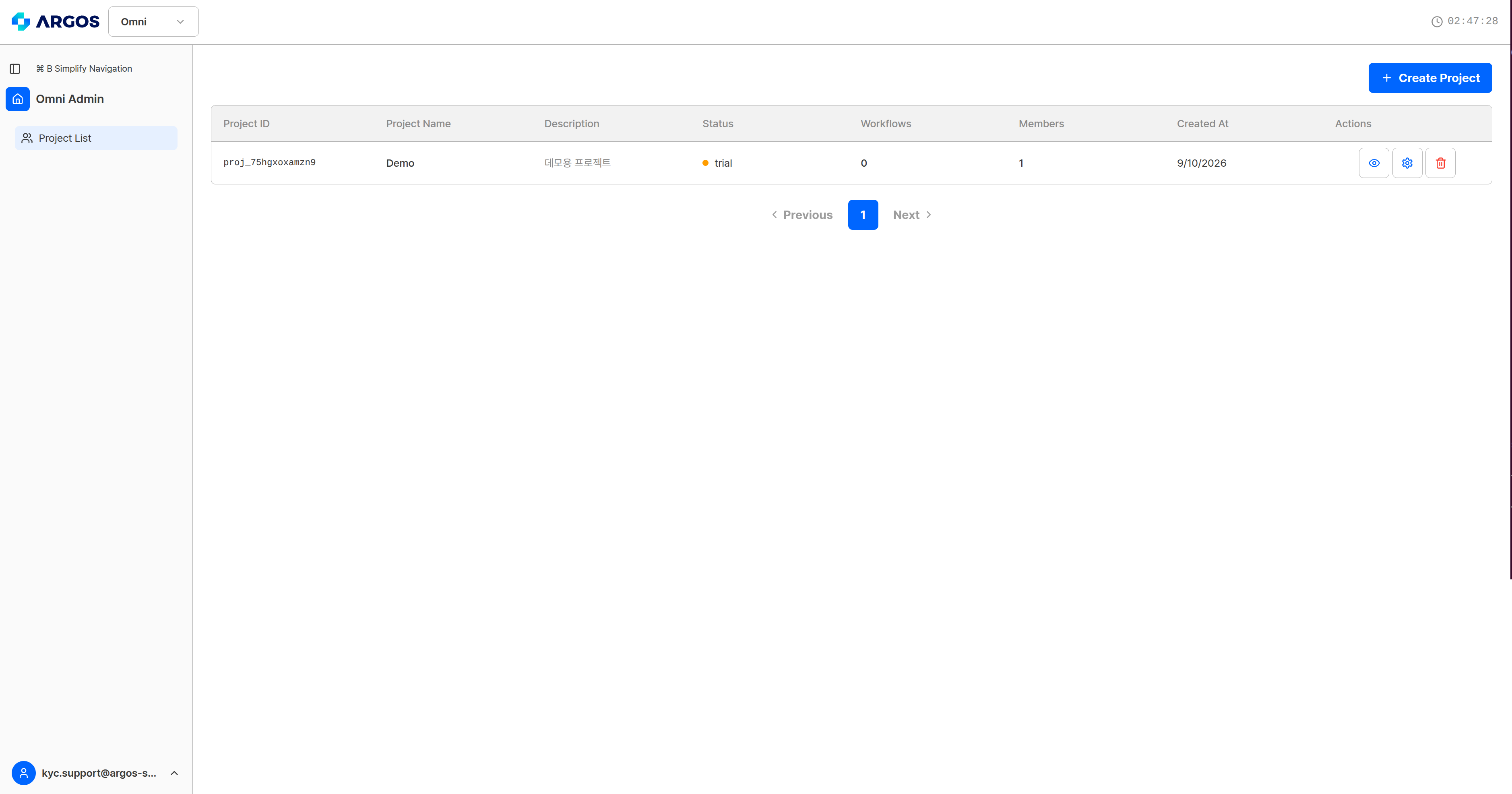
The project list — select a project to manage its workflows.
Sidebar
Turning on Simplify Navigation (⌘B) collapses the sidebar to icons only.
Product switching and sessions
- Switch between ID Check and Omni at the top. Both products use the same account.
- The session timer at the top shows the time remaining. When it expires you are signed out automatically; select the timer to extend it.
- Signing in to the same account on another device ends the current session.
- Choose the language — 한국어 or English — from the user menu at the bottom of the sidebar.
Project status
A trial project has a limit of 10 analyses per day. In every status, Environment credits are billed daily — credit usage.
Where to start
Project management
Creating and deleting projects, and the four settings tabs.
Create a workflow
The four-step wizard, from writing a policy to the output schema.
Profiles and items
The screen for creating a verification subject and uploading documents.
Analysis results
How to read the Analysis Score and the five sub-tabs.