

extractedData in an analysis result follows exactly the schema you define here. Omni imposes no common fields of its own.
Two ways to enter it
There are two tabs, and they convert to each other automatically. Editing one is reflected in the other.Field Builder
Selecting Add Field adds a row to the table. No separate modal opens.
Field Builder — Add Field appends a row inline. A schema authoring guide sits below it.
object and array rows carry an expand arrow and a badge with the child property count. Selecting the arrow expands the child fields one indent level below.
With no fields defined, the screen prompts you to select Add Field to start.
JSON Schema preview shows how the fields you have built so far assemble into a JSON Schema.
JSON Schema Input
Paste JSON Schema draft-07. When it is valid, the screen confirms the schema is valid.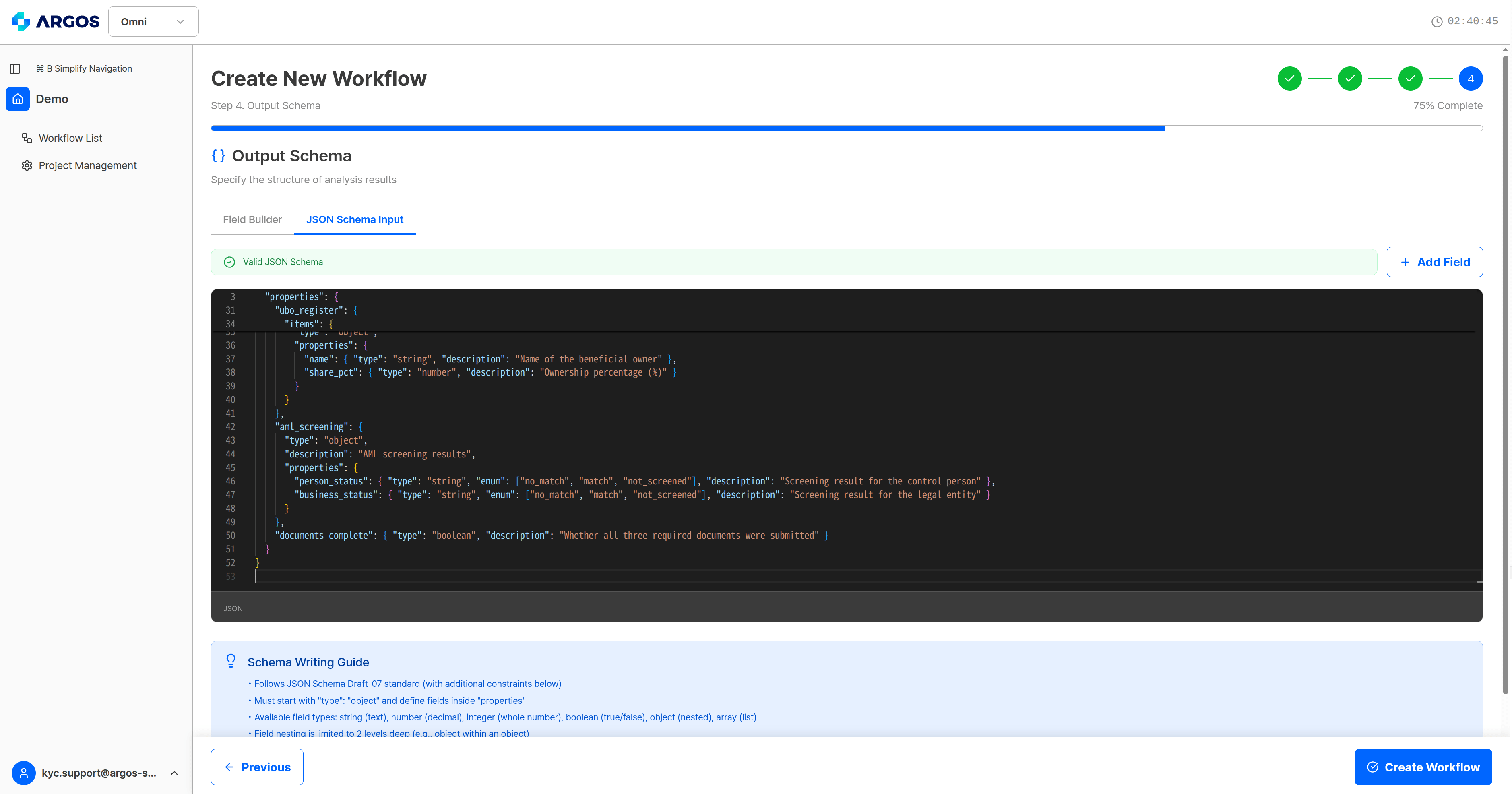
The JSON input tab — validation results are shown alongside.
Field types
String formats
Astring type can carry a format.
Arrays
An array can hold values or objects.array type puts a maximum array size in the Format/Constraint cell. The default is Max: 10.
Constraints
Validation messages
JSON Schema Input shows one of these when the schema breaks a rule.
When you switch tabs with an error in the JSON, the previous Field Builder state is restored; when a field is invalid, only that field is dropped.
Fill in the descriptions
Each field’sdescription is what the AI agent uses to decide how to fill that field. Write both the data format and which entry of which document it comes from.
Results come back wrapped in an envelope
Every leaf field you define comes back in the analysis result not as a bare value but as an object with three keys:value, reasoning, and sourceStep. Intermediate objects and array structures follow your schema exactly.
You can define a verdict field such as
verificationStatus in your output schema, but it is a value of your own and is separate from the system verdict at the top level of the response. Matching its value set to the system’s (verified · pending_review · rejected) keeps your downstream branching simple.